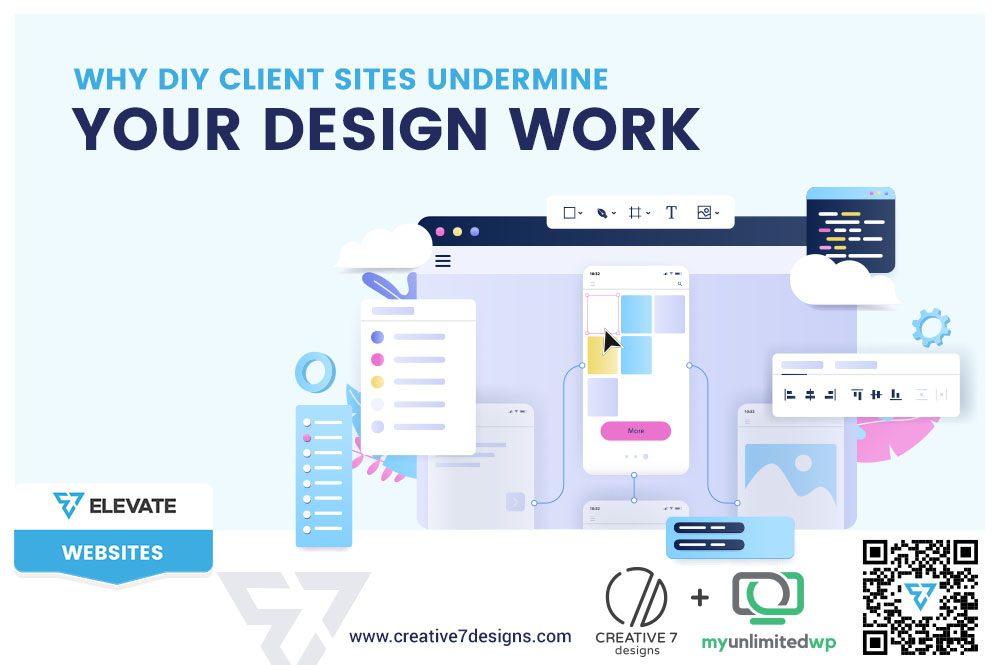
Overview: Learn how DIY client website edits weaken structure, hurt conversions, and undermine your design work and how to protect performance in 2026!
You deliver strong branding. Clean visuals. Thoughtful layouts. Strategic user flow.
Then the client “takes it from here.”
They tweak the homepage. Add new sections. Change fonts. Insert unstructured content. Rearrange CTAs. Install plugins. Modify spacing.
Six months later, the site no longer reflects your design — but your name is still attached to it.
In 2026, one of the quietest threats to creative credibility isn’t poor design. It’s unstructured client edits after launch.
Why Do DIY Client Website Edits Hurt Professional Design?
Design is a system. It relies on hierarchy, balance, and intentional spacing. When clients make independent changes without understanding those systems, cohesion breaks down.
Common DIY edits include:
-
Changing typography inconsistently
-
Adding oversized banners or sliders
-
Inserting long, unformatted text blocks
-
Moving CTAs without considering user flow
-
Installing visual-heavy plugins
Each change may seem small. But collectively, they erode structure and performance.
How Does DIY Editing Affect Website Conversions?
Most clients modify content based on preference, not user behavior.
They may:
-
Add more information thinking it adds value
-
Remove “minimal” space believing it’s unused
-
Reword headlines in ways that reduce clarity
-
Add extra navigation links “just in case”
But design isn’t decoration. It’s behavioral guidance.
When the layout structure is disrupted, scanning becomes harder. Decision-making slows. Conversions drop.
Why Do Clients Feel Confident Editing Strategic Layouts?
Website builders and page editors are easier than ever to use. Drag-and-drop tools give a sense of control, but not necessarily understanding.
Ease of access does not equal strategic awareness.
Clients often don’t see:
-
Why white space matters
-
Why content order influences engagement
-
Why CTA placement is intentional
-
Why hierarchy affects credibility
Without guardrails, flexibility becomes fragmentation.
Also Read >> How Strategic Design Improves Customer Trust and Increases Conversions
How Does This Impact a Designer’s Reputation?
When a modified site under-performs, outsiders don’t see the timeline of edits. They see the final result.
That affects:
-
Portfolio strength
-
Referral confidence
-
Perceived expertise
Even if the original launch was strong, the long-term version may not represent your standards.
Design work that loses structure no longer communicates your capability.
What Are the Warning Signs a DIY Site Is Undermining Performance?
Look for:
-
Inconsistent fonts or colors
-
Uneven spacing between sections
-
Multiple competing CTAs
-
Overloaded homepages
-
Broken visual hierarchy
-
Slower page speeds due to plugin stacking
These signals indicate structure drift when the site gradually moves away from its strategic foundation.
Why Does Structure Matter More in 2026?
User expectations are sharper. Attention spans are shorter. Trust thresholds are higher.
Modern websites must:
-
Communicate value immediately
-
Reduce friction
-
Guide action confidently
-
Maintain visual consistency
Small structural disruptions compound faster than ever in competitive markets.
A cohesive site builds authority. A fragmented one builds hesitation.
How Can Designers Protect Their Work Without Restricting Clients?
The goal isn’t control — it’s preservation of performance.
Effective solutions include:
-
Creating structured content templates
-
Providing clear editing guidelines
-
Limiting access to core layout elements
-
Offering ongoing optimization packages
-
Setting boundaries within project contracts
At Elevate: Websites, we encourage structured handoff systems, ensuring flexibility for clients without compromising foundational strategy.
What’s the Right Balance Between Control and Collaboration?
Clients should be able to manage content. But strategic architecture should remain intact.
Think of it this way:
-
Content updates = flexible
-
Layout structure = protected
When those boundaries are clear, both performance and collaboration improve.
Frequently Asked Questions (FAQs)
1. Should clients be allowed to edit their own websites?
Yes, but within structured boundaries. Content updates should be flexible, while layout architecture and strategic elements remain protected.
2. How do DIY website changes affect conversions?
Unstructured edits disrupt hierarchy, CTA placement, and content flow, often leading to reduced clarity and lower conversion rates.
3. How can designers prevent DIY edits from harming their work?
By creating content templates, limiting structural editing access, setting expectations early, and offering ongoing maintenance support.
Final Thoughts
DIY edits don’t usually come from bad intentions. They come from access without strategy.
But when structure erodes, performance declines — and so does the perceived quality of the design.
Beautiful work deserves long-term protection.
At Elevate: Websites, we help designers and businesses create structured systems that preserve visual integrity, maintain conversion flow, and support sustainable growth — long after launch.
Because strong design isn’t just about how a site looks on day one.
It’s about how it performs months later.